SAM IT Solutions

Book a Meeting

Virtual Desktop Infrastructure

Centralized desktops tailored to your workflows.

VDI centralizes desktops with 24/7 partner support available.

Tailored VDI planning draws on about 10 years of IT experience.

Virtual desktops help standardize access across approved devices.

Centralized desktops simplify controls and support.

40-person team supports discovery, delivery, and assistance.

Request a Quote for our Virtual Desktop Infrastructure

Trusted By

Clients Value Responsive, Practical IT Support

Partnership, accountability, and clear communication guide every engagement.

VDI Success Built Around Real Business Needs

Our Certifications

What Virtual Desktop Infrastructure Can Include

Centralized access with practical support

VDI Planning
Right-Fit VDI Roadmap

A successful VDI rollout starts with clear discovery. SAM IT Solutions reviews your users, business applications, access patterns, compliance considerations, and current infrastructure before shaping the recommended scope.
This helps avoid overbuilt systems and missed requirements. You receive plain-language guidance, practical options, and a plan that connects the virtual desktop environment to your day-to-day operations.
User Access
Consistent User Access

Virtual desktops can give approved users a more consistent workspace across supported devices. This is useful for hybrid teams, shared workstations, contractors, or employees who need secure access away from a dedicated office computer.

SAM IT Solutions helps align access methods, permissions, and support workflows so users can work with fewer technology barriers. The result is a more dependable desktop experience built around real business roles.

Desktop Management
Simpler Desktop Control

VDI can make desktop administration more manageable by centralizing key elements of the user environment. Instead of relying only on individual machines, updates, access settings, and user profiles can be managed through a more organized structure.

SAM IT Solutions focuses on practical administration that supports your internal team and end users. This can reduce repetitive troubleshooting and make changes easier to coordinate as your business evolves.

Security Controls
Access Rules With Clarity

Security in a VDI environment depends on thoughtful design, clear access rules, and ongoing support. SAM IT Solutions helps define permissions, align user access with job roles, and connect the environment with appropriate backup, security, email, or related third-party services when included in your Quote.

The goal is not unrealistic promises. It is stronger control, clearer accountability, and a desktop environment that is easier to monitor and support.

Performance Design
Reliable User Experience

Performance matters when users rely on a virtual desktop every day. SAM IT Solutions considers application needs, network conditions, storage requirements, and user expectations before recommending a configuration.

This helps create a balanced environment that supports productivity without adding unnecessary complexity. As needs change, the solution can be reviewed and adjusted so the desktop experience continues to serve the business.

Helpdesk Support
Responsive VDI Support

Reliable support is essential after deployment. SAM IT Solutions provides responsive helpdesk support as defined in each client Quote, including remote troubleshooting, issue resolution, and end-user assistance where included.

That support model is backed by a team of about 40 people and a 24/7 global partner mindset. You get a clearer path for questions, changes, and issue resolution instead of being left to manage the environment alone.

Our Partners

Proven Support Behind Your Virtual Desktop Strategy

50%
First-Call Resolution
90%
Customer Satisfaction
1,200+
Projects Completed
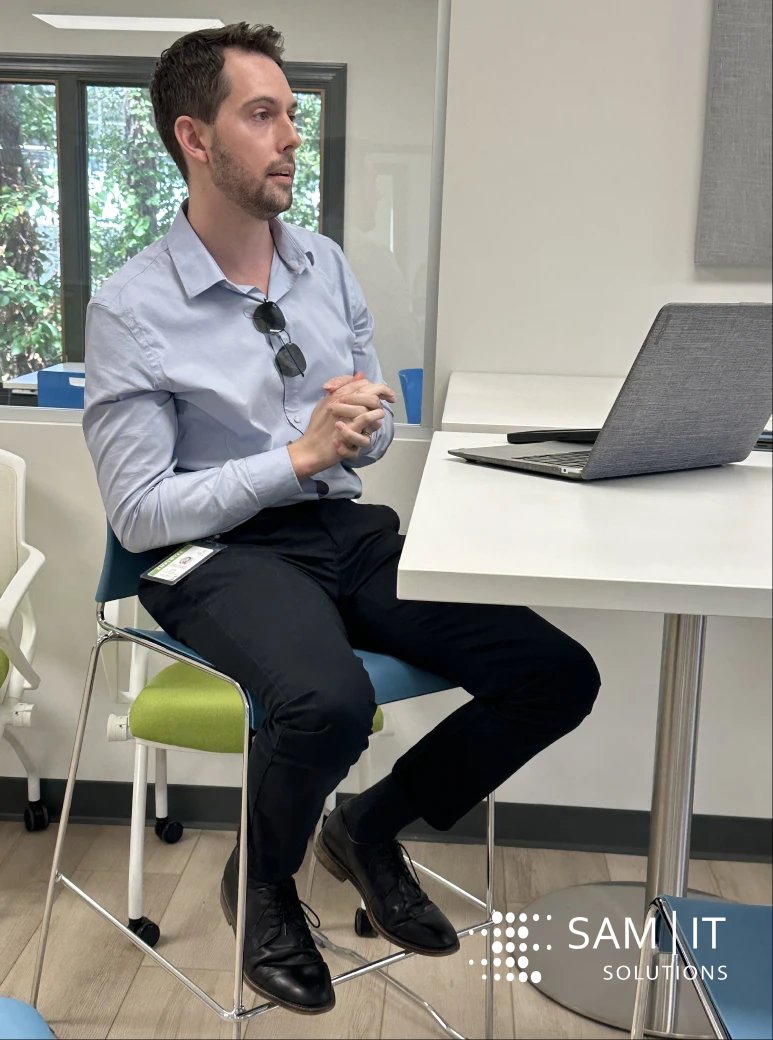
User accessing Virtual Desktop Infrastructure on a laptop, showcasing seamless control and simplified access.

Simplify Access Without Losing Control

Built Around How Your Team Actually Works

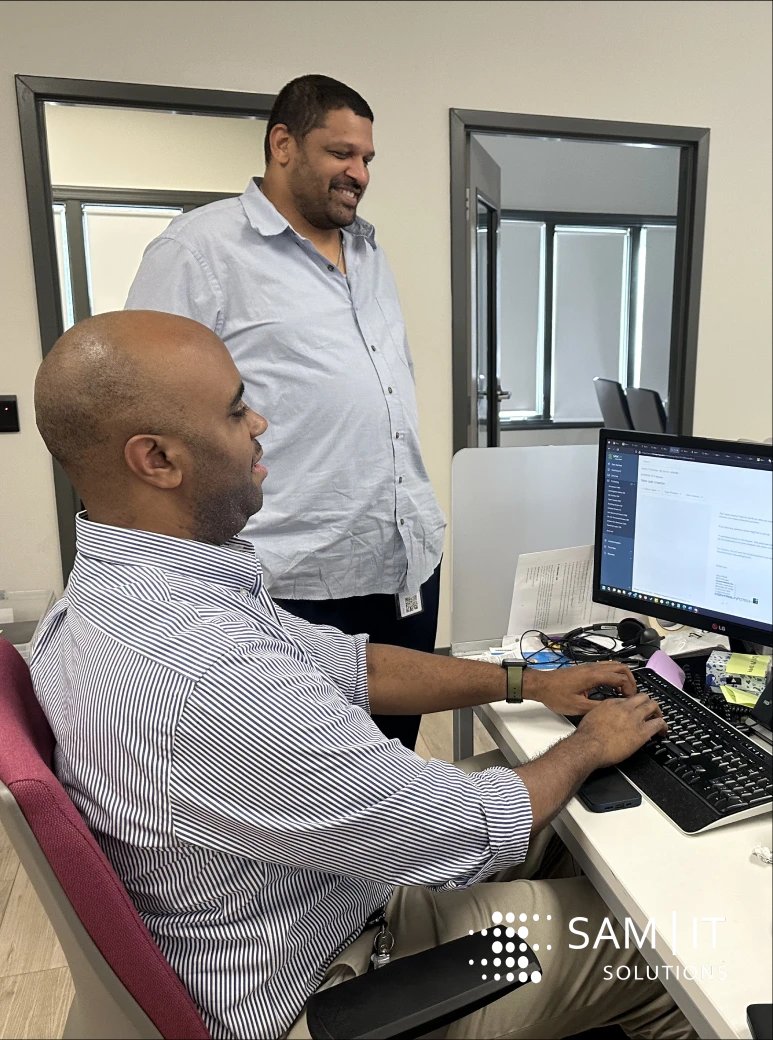
Team collaborating seamlessly using Virtual Desktop Infrastructure in a modern office setting.
Team collaborating remotely using Virtual Desktop Infrastructure on multiple devices for enhanced productivity.

Support Productivity Across Changing Workplaces

Plan a Better Virtual Desktop Strategy

Gain clearer access, simpler management, and dependable support

Explore Related IT Services

Frequently Asked Questions

Scroll to Top